
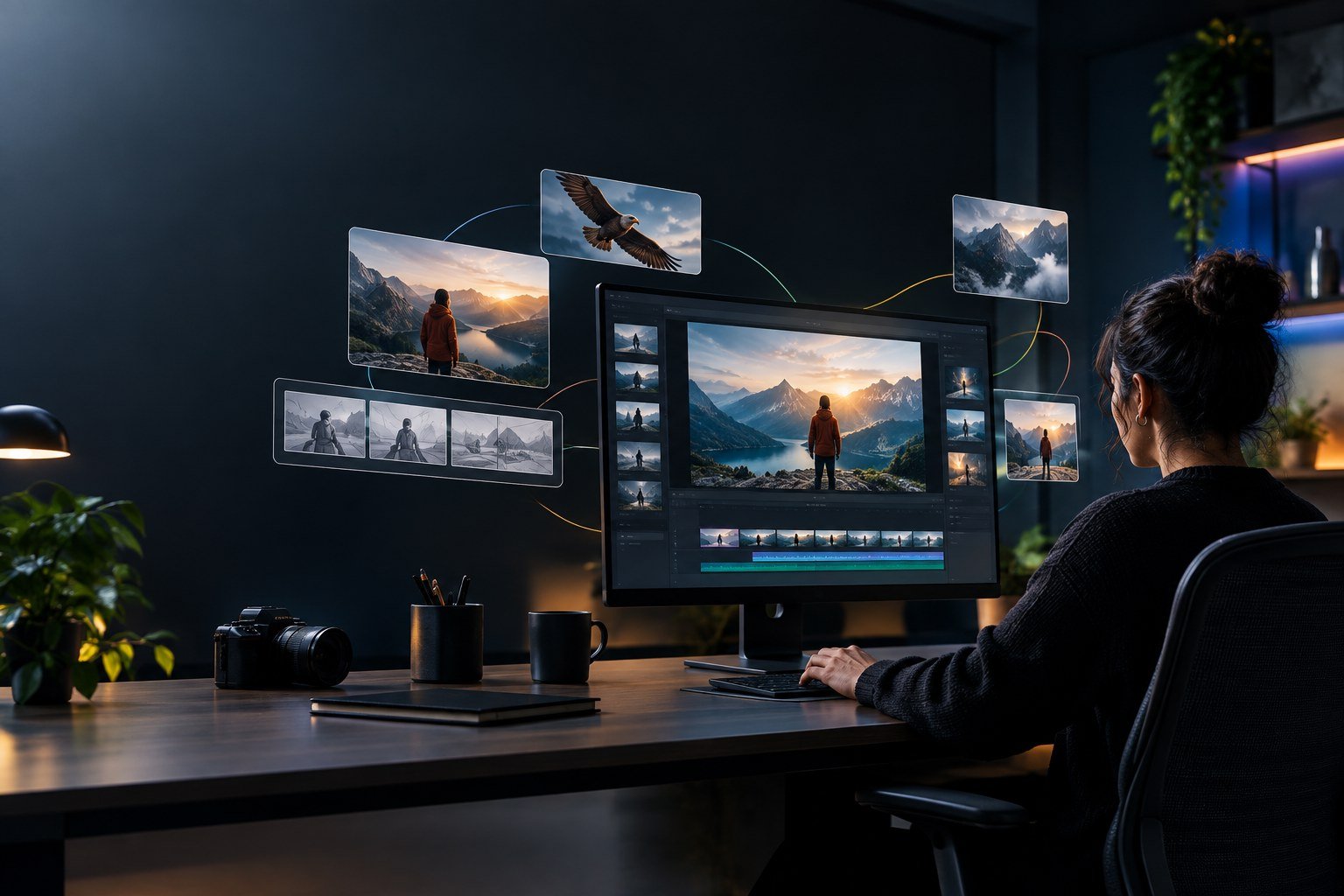
AI tho videos create cheyyadaniki ippudu chala tools unnayi. Kani Google Flow konchem different ga anipistundi. Simple idea tho start chesi, danini images, videos and scenes ga develop cheyyadaniki Flow help chestundi.
Google Flow anedi Google Labs nunchi vachina AI creative tool. Designers, video creators, content creators and filmmakers kosam visual ideas ni quickly experiment cheyyadaniki create chesaru.
Google Flow Ante Enti?
Simple ga cheppalante, Google Flow is an AI creative workspace.
Manam oka idea ni text prompt ga ivvachu. Danni base cheskoni visuals create cheyyachu. Image ni video ga marchachu, different scenes create cheyyachu and generated content ni malli refine cheyyachu.
Ante prathi small task kosam different AI websites ki vellalsina avasaram konchem tagguthundi.
Em Cheyyachu?
Flow tho different types of creative experiments cheyyachu.
- AI images create cheyyachu
- Images ni videos ga convert cheyyachu
- Different scenes create cheyyachu
- Characters and visual elements tho experiment cheyyachu
- Generated content ni edit and refine cheyyachu
- Short cinematic videos create cheyyachu
Especially storytelling kosam idi interesting ga untundi.
Designers Ki Ela Useful?
UI/UX or graphic designer ayithe Flow ni only videos kosam use cheyyalsina avasaram ledu.
For example, oka new mobile app concept design chesam anukundam.
Dani kosam normal static mockup tho paatu, app ni use chestunna person, futuristic environment or product presentation video create cheyyachu.
Portfolio projects ni konchem more visual ga present cheyyadaniki kuda use cheyyachu.
Simple Workflow
Nenu Flow use chesthe first huge prompt rayanu.
Munduga idea decide chestha.
Idea → Image → Scene → Video → Refinement
Example:
A designer working on a futuristic mobile app inside a minimal creative studio.
First visual create chesi, tarvata aa visual ni base cheskoni video scene develop cheyyachu.
Ila step-by-step ga work chesthe final output meeda better control untundi.
Why I Find It Interesting
AI video tools lo biggest challenge sometimes consistency.
Oka shot lo character oka laga untadu. Next shot lo appearance change avvachu.
Google Flow lo newer creative controls tho starting and ending frames ni use chesi scenes ni better ga guide cheyyadaniki options unnayi.
Idi especially storytelling and multi-scene videos create chese vallaki useful.
Final Thoughts
Google Flow ni nenu just “AI video generator” laga chudanu.
It is more like a creative workspace where you can take an idea and slowly turn it into a visual story.
Every output perfect ga untundi ani expect cheyyakudadhu. AI tho work chestunnappudu generate, check, refine ane process important.
But if you’re a designer, video creator or content creator, Flow is definitely an interesting tool to explore.
Start with one simple idea. Create something. Experiment. Then improve it.
That is probably the easiest way to understand what Google Flow can actually do.


Leave a Reply