
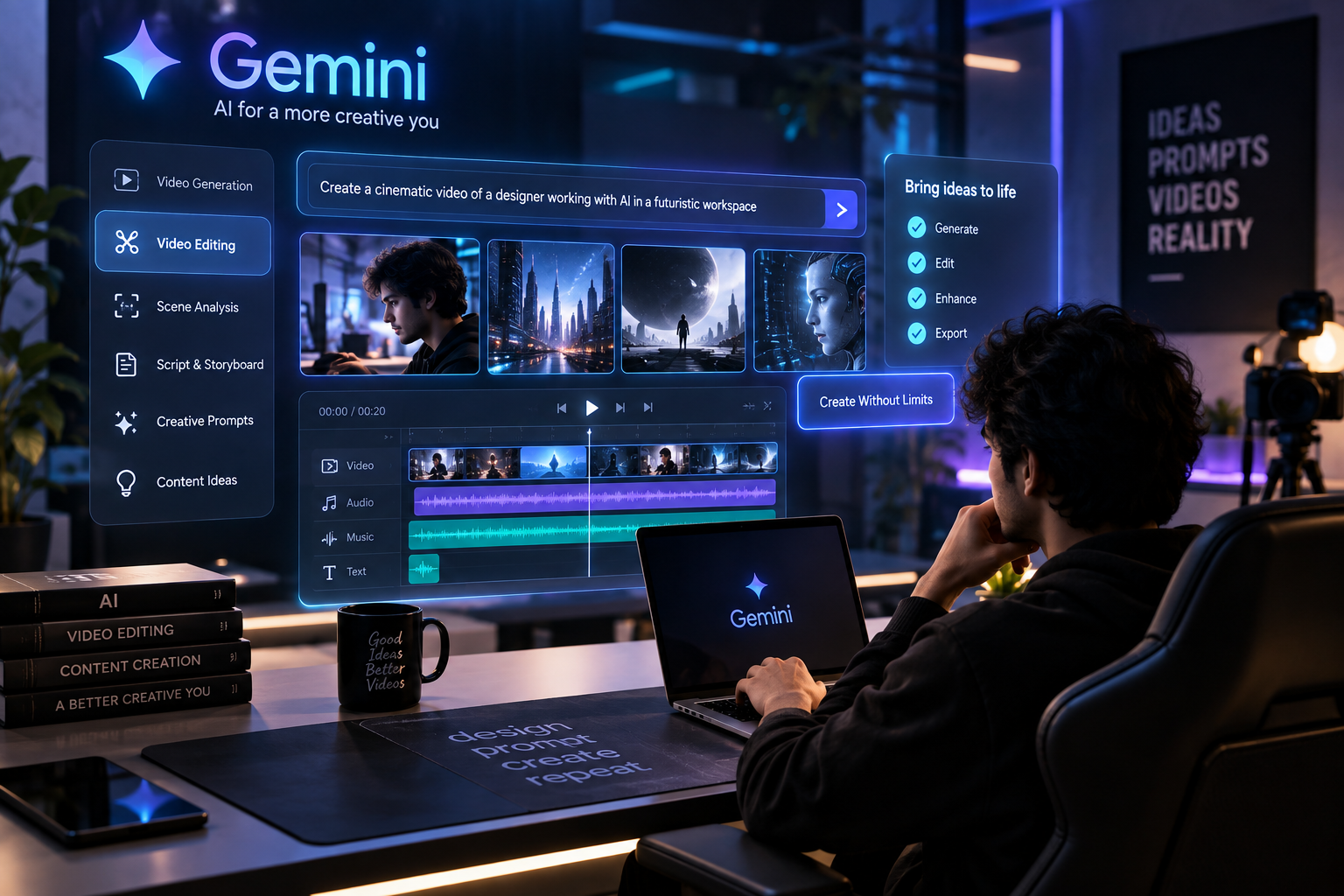
Gemini can help with the creative side of video production — from ideas and scripts to video analysis, storyboards and detailed prompts. You can then use a dedicated video tool and editing software to finish the project.
AI is changing the way creators produce video content. Tasks that previously required hours of scripting, editing, searching for footage, creating visual effects and experimenting with different ideas can now be supported by AI tools.
Google Gemini is becoming an important part of this creative workflow. Instead of using AI only for writing text, creators can use Gemini for video analysis, creative ideation, scripting, storyboarding, prompt creation and AI-assisted video workflows.
In this guide, we’ll explore how Gemini can be used for video creation and editing, useful prompts for creators, and how you can combine Gemini with traditional video-editing tools to build a faster workflow.
What Is Gemini AI Video Editing?
Gemini is Google’s multimodal AI system designed to understand and work with different types of information, including text, images, audio and video.
For video creators, this opens up several possibilities.
Instead of manually explaining every scene, you can give Gemini a creative brief and ask it to help you develop the concept, script, shot list or storyboard.
Gemini as a Creative Assistant
Think of Gemini less as a replacement for your video editor and more as a creative assistant.
You can use it to:
- Develop video concepts
- Write scripts
- Analyse video content
- Create shot lists
- Generate storyboards
- Develop camera directions
- Create AI video prompts
- Suggest transitions
- Repurpose content
- Generate social media ideas
This can significantly reduce the amount of time spent on repetitive creative planning.
What Can Gemini Do With Videos?
The capabilities available to you depend on the specific Gemini product and model you’re using, but modern Gemini workflows can work with video in several useful ways.
1. Video Analysis
You can provide video content and ask AI to identify scenes, important moments, actions or information.
For example, a creator could ask AI to analyse a long video and identify sections that could become short-form content.
2. Video Understanding
Multimodal AI can understand information contained inside video rather than treating the video as a simple collection of frames.
This makes AI useful for tasks such as understanding scenes, identifying objects and summarising video content.
3. Creative Planning
Gemini can transform a simple idea into a structured production plan.
For example:
Idea:
“Create an advertisement for an AI design tool.”
Gemini can turn this into:
- Opening hook
- Problem
- Product introduction
- Demonstration
- Transformation
- Call to action
This gives you a clear direction before you start editing.
How to Use Gemini for AI Video Creation
A good AI video workflow starts with the idea rather than the tool.
Step 1: Start With a Clear Concept
Tell Gemini what you want to create.
For example:
Create a 20-second cinematic advertisement for a futuristic AI design platform aimed at professional designers. The video should feel premium, modern and technologically advanced.
The more information you provide, the more useful the result becomes.
Include details such as:
- Target audience
- Video duration
- Platform
- Visual style
- Camera movement
- Lighting
- Environment
- Mood
- Aspect ratio
Step 2: Create a Storyboard
After creating the concept, ask Gemini to divide it into individual scenes.
For example:
Scene 1: Dark futuristic workspace
Scene 2: Designer opens AI interface
Scene 3: Interface generates a design
Scene 4: Design transforms into a finished product
Scene 5: Final product reveal
This makes the production process much easier.
Step 3: Generate Video Prompts
Each scene can then be converted into a detailed AI video prompt.
A good prompt can include:
- Subject
- Environment
- Camera movement
- Lens
- Lighting
- Composition
- Motion
- Visual style
- Duration
Instead of simply writing:
Create a futuristic AI video.
Try:
Create a cinematic close-up of a designer working inside a futuristic dark studio, glowing AI interface reflections on the face, slow dolly-in camera movement, shallow depth of field, realistic skin texture, premium technology commercial aesthetic, subtle purple and orange lighting.
The second prompt provides much more visual direction.
10 Gemini AI Video Prompts for Creators
1. Cinematic Product Advertisement
Create a cinematic product advertisement with premium studio lighting, realistic materials, shallow depth of field, slow camera movement and dramatic close-up shots. Use a high-end technology commercial aesthetic.
2. Futuristic AI Technology
Create a futuristic AI technology environment inside a dark creative studio with holographic interfaces, glowing data elements, realistic reflections and smooth cinematic camera movement.
3. Instagram Reel
Create a visually engaging vertical social media video designed for a 9:16 Instagram Reel. Use fast-paced visual storytelling, dynamic camera movement, smooth transitions and strong opening visuals.
4. Fashion Campaign
Create a premium cinematic fashion campaign with elegant camera movement, realistic fabric details, sophisticated lighting, editorial composition and luxury advertising aesthetics.
5. Product Reveal
Create a dramatic product reveal where the camera slowly moves toward the product while the environment gradually changes from darkness into a bright cinematic scene.
6. Before and After Transformation
Create a cinematic before-and-after transformation showing a dramatic visual change using a smooth camera transition, consistent composition and realistic lighting.
7. UI/UX Showcase
Create a futuristic UI/UX design showcase where interface screens appear as realistic floating displays inside a premium technology environment. Use smooth camera movement and cinematic lighting.
8. AI Tool Advertisement
Create a 15-second cinematic advertisement for an AI creative tool. Start with a strong visual hook, followed by a fast demonstration and finish with a premium product reveal.
9. Logo Reveal
Create a minimal cinematic logo reveal with subtle particles, realistic lighting, smooth motion and a premium dark background. Keep the composition clean and professional.
10. YouTube Intro
Create a modern cinematic YouTube intro for an AI and technology channel. Use futuristic visuals, dynamic camera movement, subtle motion graphics and a clean premium aesthetic.
Gemini AI Video Editing Workflow
AI becomes much more useful when you combine it with traditional editing software.
A practical workflow can look like this:
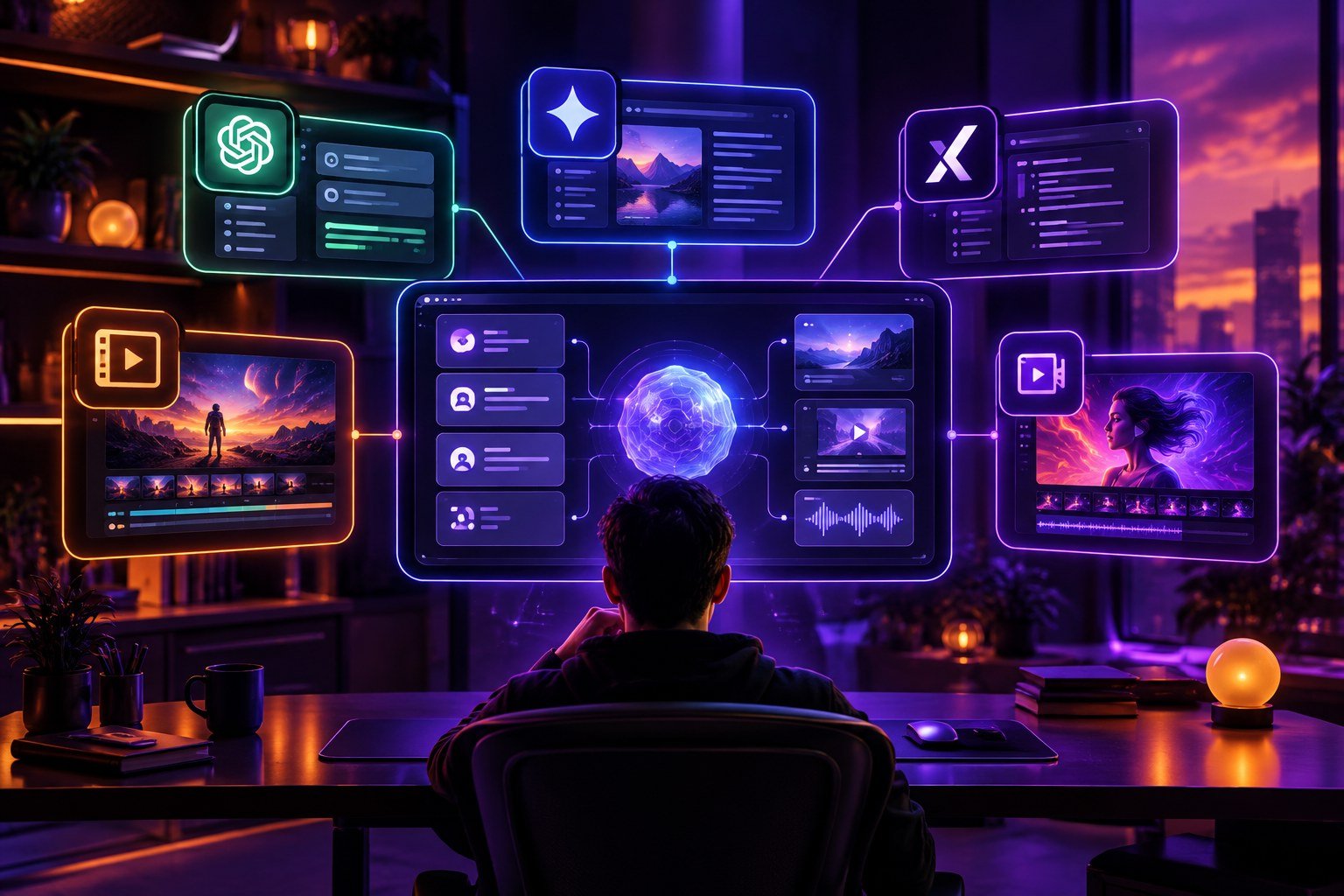
Idea → Gemini → Script → Storyboard → AI Video Generation → Video Editing → Sound Design → Color Grading → Final Export
Gemini
Use Gemini for:
- Ideas
- Scripts
- Storyboards
- Prompts
- Content planning
AI Video Generator
Use an appropriate AI video-generation tool to turn your prompts into video clips.
Editing Software
Use professional editing software for:
- Timeline editing
- Cutting
- Audio
- Transitions
- Color grading
- Motion graphics
- Final export
This hybrid workflow gives you the speed of AI while maintaining control over the final video.
Gemini AI Video Editing for Designers
AI video tools are especially useful for designers.
UI/UX Designers
A UI/UX designer can turn a static interface into a cinematic product presentation.
For example, instead of showing a Figma screen as a simple screenshot, you can create a video where the camera moves around the interface while different components appear dynamically.
Graphic Designers
Graphic designers can use AI to create:
- Campaign concepts
- Product advertisements
- Motion posters
- Social media videos
- Brand presentations
Content Creators
Creators can use AI to generate ideas for:
- Instagram Reels
- YouTube Shorts
- YouTube videos
- Product videos
- Educational content
AI Video Editing vs Traditional Video Editing
AI doesn’t necessarily replace traditional editing.
Traditional editing software still provides precise control over:
- Timeline
- Audio mixing
- Keyframes
- Color grading
- Visual effects
- Motion graphics
- Export settings
AI is more useful for accelerating creative tasks and repetitive work.
A professional workflow can therefore combine both.
AI = Speed + Ideas + Generation
Traditional editing = Control + Precision + Finishing
Together, they create a more flexible production workflow.
Limitations of AI Video Editing
AI video technology is improving quickly, but there are still limitations.
Inconsistent Details
Characters, objects or environments can sometimes change between generated shots.
Text Problems
AI-generated videos may still produce incorrect or distorted text.
Motion Issues
Hands, faces, objects and complex movements can occasionally look unnatural.
Limited Creative Control
Some AI video tools don’t provide the same level of control as professional editing software.
For important commercial projects, AI-generated footage should therefore be reviewed and refined before publishing.
The Future of AI Video Creation
AI video creation is moving beyond simple text-to-video generation.
The future is likely to involve complete creative workflows where AI helps with:
- Concept development
- Script writing
- Storyboarding
- Video generation
- Video analysis
- Editing assistance
- Content repurposing
For designers and creators, learning how to direct AI visually may become an increasingly valuable creative skill.
The important skill isn’t simply knowing which AI tool to open.
It’s knowing how to communicate:
What you want → How it should look → How it should move → How it should feel.
Frequently Asked Questions
Can Gemini create videos?
Gemini can support video-related creative workflows, including video understanding, ideation and other generation capabilities depending on the specific Gemini product and model available.
Can Gemini analyse videos?
Yes. Gemini’s multimodal capabilities can be used to understand and analyse video content.
Can Gemini help with video editing?
Gemini can assist with planning, analysis, scripts, shot lists, prompts and creative decisions. Dedicated video-editing software is still useful for precise timeline editing and final production.
Can Gemini create cinematic video prompts?
Yes. You can ask Gemini to create detailed prompts that specify camera movement, lighting, environment, composition and visual style.
Is AI going to replace video editors?
AI can automate and accelerate certain tasks, but professional editors still provide creative direction, timing, storytelling, sound design and finishing control.
Final Thoughts
Gemini and other AI video technologies are changing the creative production process.
The biggest opportunity isn’t simply generating a video with one prompt.
It’s building a complete AI-assisted creative workflow.
You can use Gemini to develop the idea, create the script, build the storyboard and generate detailed prompts. AI video tools can then help create the footage, while traditional editing software can be used to refine the final result.
For designers, editors and content creators, this combination can make video production faster while opening up new creative possibilities.
The future of video isn’t just about editing footage. It’s about designing the entire visual experience with AI.

Leave a Reply