Learn AI.
Create images. Make films.
From your first prompt to cinematic AI videos and product ads. Learn by creating real projects—not just watching tutorials.
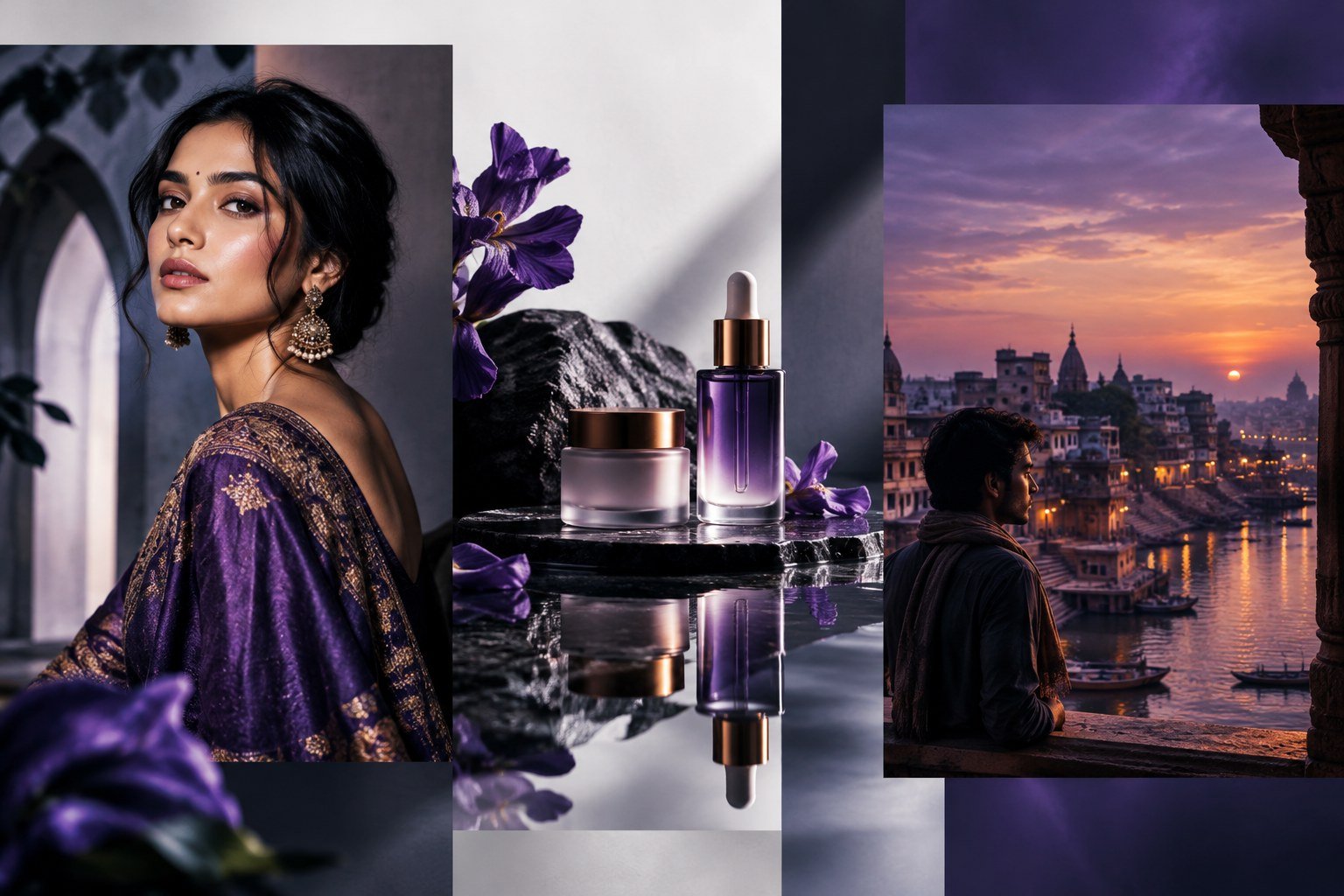
Ideas become
real visuals.
Explore the kind of creative work you will learn to plan and produce: cinematic portraits, product ads and story-driven AI visuals.
What you’ll
learn to create.
The main focus is AI tools and creative production. Design and editing are included as supporting skills to help turn generated assets into finished content.
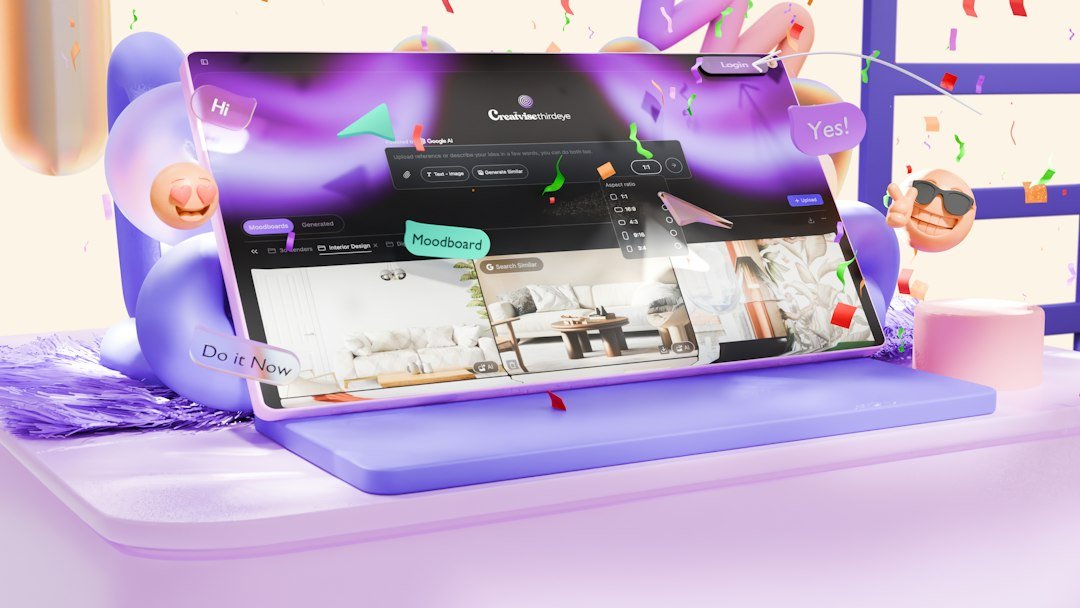
AI Tools & Workflows
Understand what different AI tools can do and choose the right workflow for each creative task.
- Generative AI fundamentals
- Exploring image and video tools
- Browser-based workflows
- Tool selection and output review

Prompt Engineering
Write clearer prompts to guide subjects, scenes, visual style and movement.
- Text-to-image prompts
- Text-to-video prompts
- Camera, lighting and composition
- Reference-based prompting
AI Image Generation ↗
Turn ideas into realistic visuals, characters, products and cinematic environments.
- Photorealistic image creation
- Portraits and character design
- Product and fashion visuals
- Image-to-image workflows
AI Video Creation
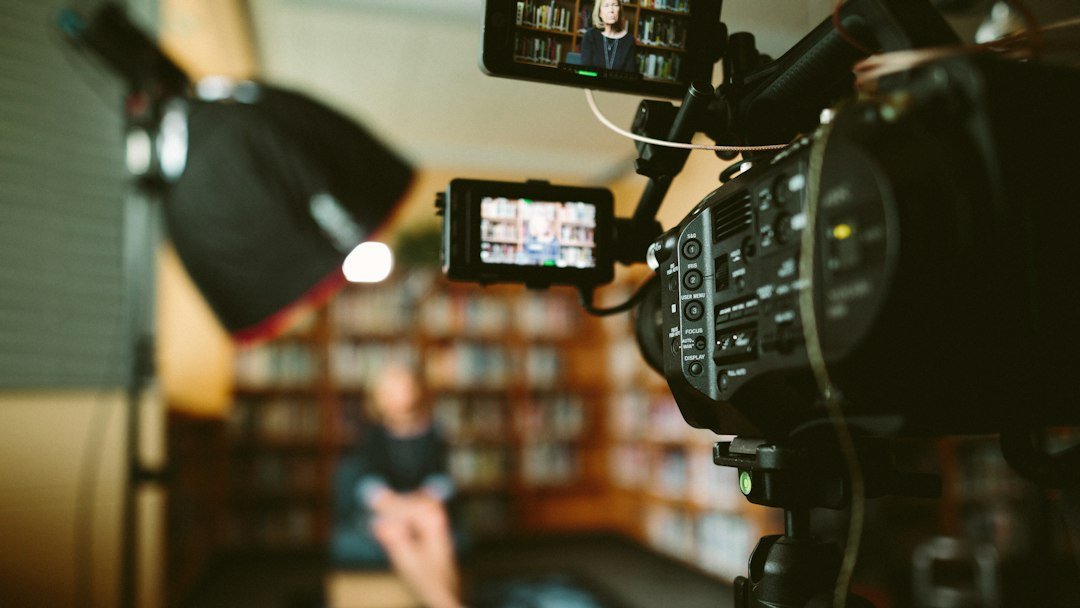
Animate images and generate moving scenes with stronger control over camera and action.
- Text-to-video and image-to-video
- Camera and subject movement
- Scene planning and continuity
- Multi-shot video workflows
AI Voice & Sound
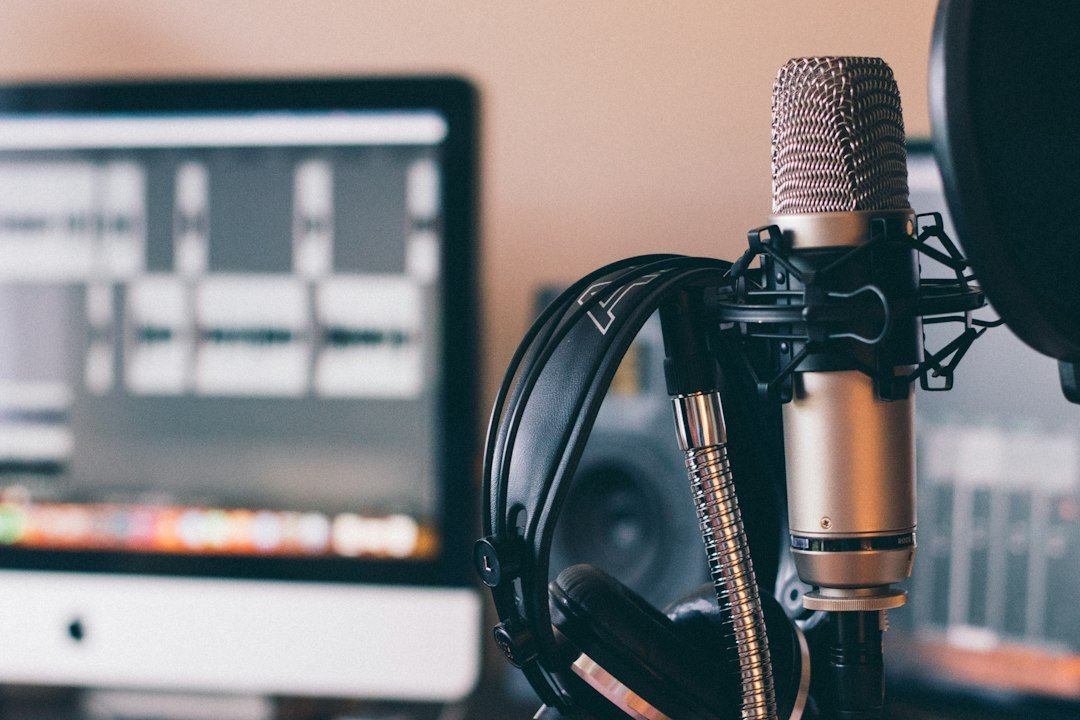
Add narration and sound to make AI-generated content feel more complete.
- AI voice-over workflows
- Telugu and English narration
- Lip-sync workflows
- Music and sound effects
Editing & Final Output
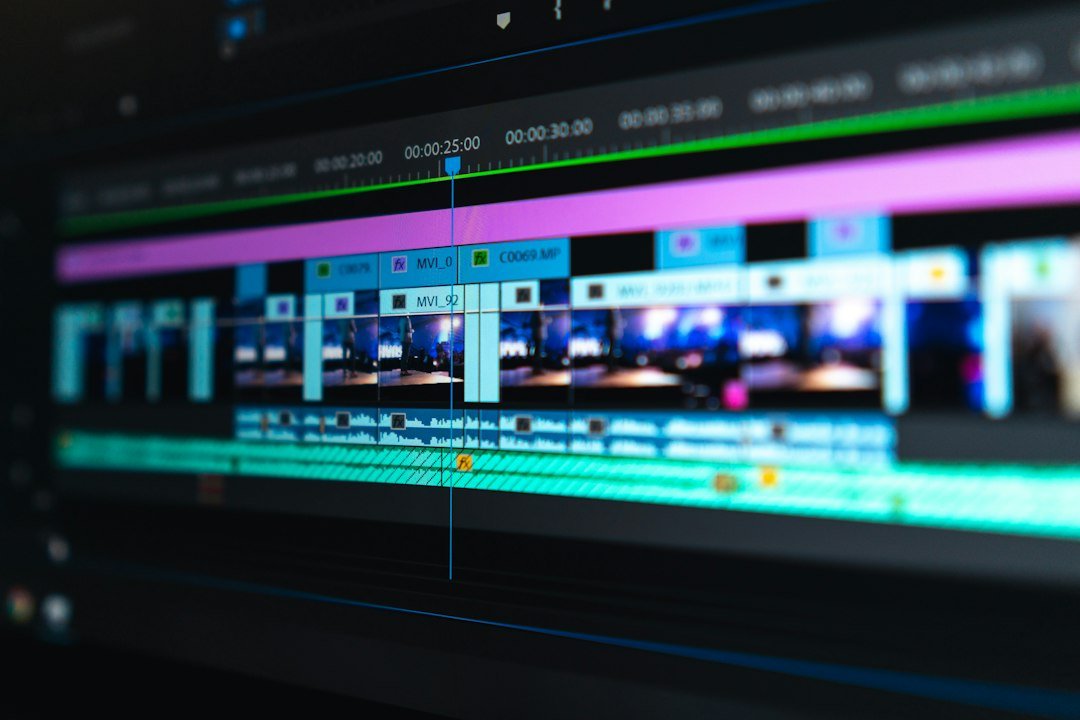
Use essential editing skills to arrange generated clips and deliver a polished video.
- Basic timeline editing
- Text, subtitles and transitions
- Color and audio adjustments
- Export for social platforms
Choose your
level.
Start with the fundamentals, develop advanced workflows, then bring your skills together in complete creative projects.
Basic
Build a foundation in AI tools and create your first images and videos.
- Introduction to AI tools
- ChatGPT and Gemini fundamentals
- Basic prompt writing
- AI image generation
- Portrait and product visuals
- Text-to-image and image-to-video
- Introduction to Google Flow/Veo
- Basic editing and export
Advanced
Develop cinematic prompting and create more controlled, polished AI videos.
- Advanced prompt engineering
- Photorealistic and cinematic images
- Character creation and consistency
- Reference-based generation
- Google Flow/Veo workflows
- Camera movement and scene planning
- Multi-shot video creation
- AI voice-over and lip-sync
- Promotional video projects
Professional
Combine AI tools into complete production workflows for films and commercial content.
- Professional AI workflows
- Storyboarding and script planning
- Character and environment consistency
- Multi-scene cinematic production
- Dialogue and lip-sync workflows
- Sound design and finishing
- Product and corporate films
- AI short films
- Final portfolio projects
Course duration describes each learning level. Please enquire to confirm the learning format, current syllabus and whether levels can be taken independently.
Explore what you can create with AI.
Swipe or watch the visual categories move—everything is right here on the course page.
AI Image Generation
Portraits · Characters · Cinematic visuals
Product & Brand Ads
Beauty · Fashion · Product campaigns
AI Video & Filmmaking
Scenes · Motion · Short films
Explore the
AI creative
toolkit.
Learn how to choose the right tool for each creative task—from the first idea to the final edit. Build a flexible workflow instead of depending on one platform.
AI assistants & prompting
Develop ideas, structure concepts and write detailed creative prompts.
AI image generation
Create portraits, product visuals, characters and cinematic frames.
AI video generation
Turn ideas and still images into motion, scenes and short films.
Design & editing
Bring generated assets together and prepare content for publishing.
Learn by
creating.
A practical approach focused on understanding tools, testing prompts and producing creative work—not just memorizing tool names.
Understand
Learn the core concepts and where each AI tool fits in a creative workflow.
Experiment
Test prompts, references, visual styles and different generation settings.
Create & Refine
Improve the output, assemble the project and prepare a final creative result.
Good to
know.
A few details before you choose your learning level.
Is this course suitable for beginners?
Yes. The Basic Level introduces AI tools, prompting, image generation and simple video creation. No previous AI experience is required to start.
Do I need a high-end PC?
A high-end PC is not compulsory for many browser-based AI workflows. You will need a compatible computer or laptop and a stable internet connection. Requirements vary by tool.
Do I need to install heavy software?
The course focuses on browser-based AI workflows through Google Chrome. Some optional editing tools may require installation, but heavy professional software is not required for the core browser-based learning path.
Are all AI tools free?
No. Some tools have free access, while others require paid subscriptions or generation credits. Any tool-specific access requirements should be checked before use.
What can I create after learning?
Projects may include AI images, product advertisements, social media reels, promotional videos, character-based stories and cinematic AI short films, depending on your learning level.
What are the course durations?
Basic: 2 weeks. Advanced: 4 weeks. Professional: 6 weeks. Contact us to confirm the learning format and the recommended starting level.
Your browser is
your creative studio.
You do not need a complicated setup to start creating. Learn how browser-based AI tools can help turn your ideas into images, videos and complete creative projects.
You will need a computer or laptop, Google Chrome or another compatible browser, and a stable internet connection. Some tools may require paid subscriptions or generation credits.
No heavy setup.
Start making.
Focus on prompt writing, visual quality, motion and storytelling—then apply what you learn to practical creative projects.
Your ideas.
Your creative future.
Start exploring AI image generation, cinematic video creation and practical creative workflows. Choose your learning level and take the next step.